Building a beautiful WordPress website is only the first step toward online success. To attract visitors from Google and other search engines, your website needs proper Search Engine Optimization (SEO).
Whether you run an online store, business website, or personal blog, WordPress SEO helps search engines understand your content and present it to the right audience.
What is WordPress SEO?
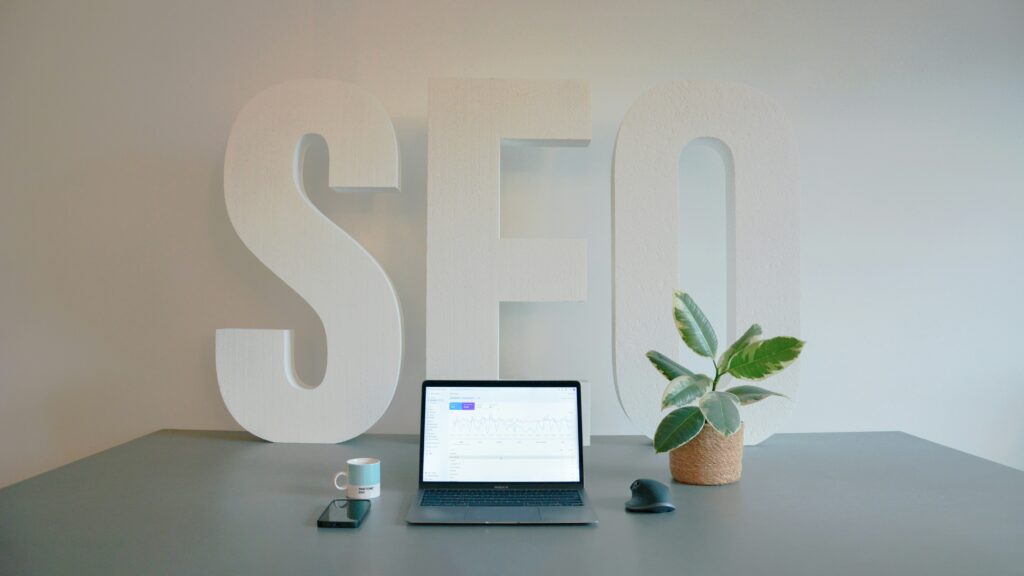
WordPress SEO is the process of optimizing your website so that it ranks higher in search engine results. Better rankings lead to increased organic traffic, greater visibility, and more potential customers.
Why SEO is Important
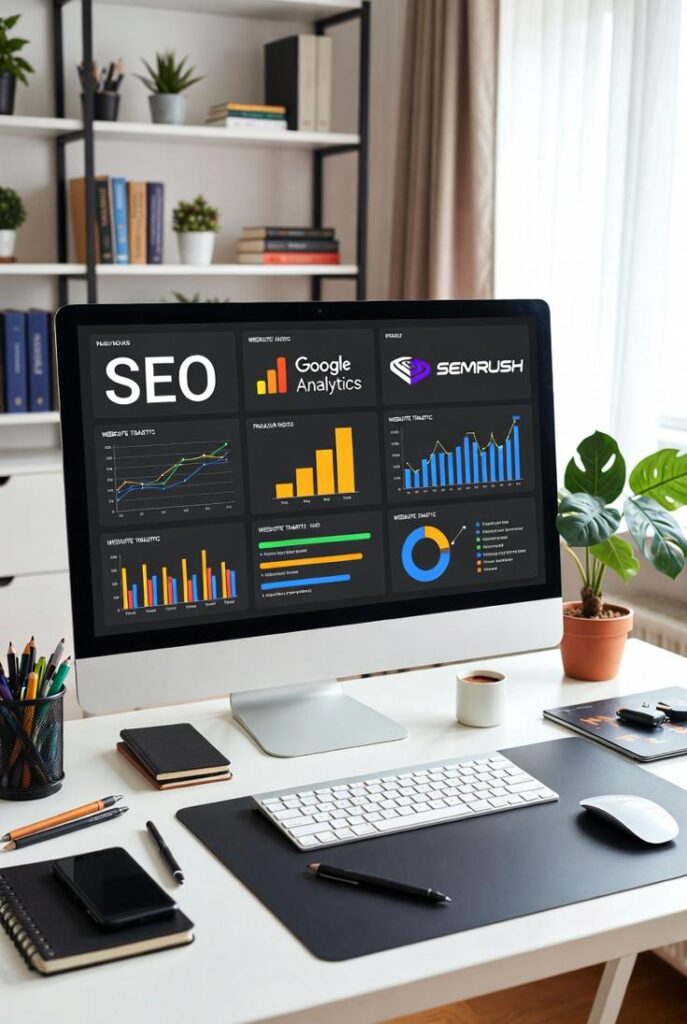
SEO helps you:
- Increase organic website traffic
- Improve Google rankings
- Build customer trust
- Generate more sales and leads
- Reduce advertising costs
- Grow your online business over time
Step 1: Install an SEO Plugin
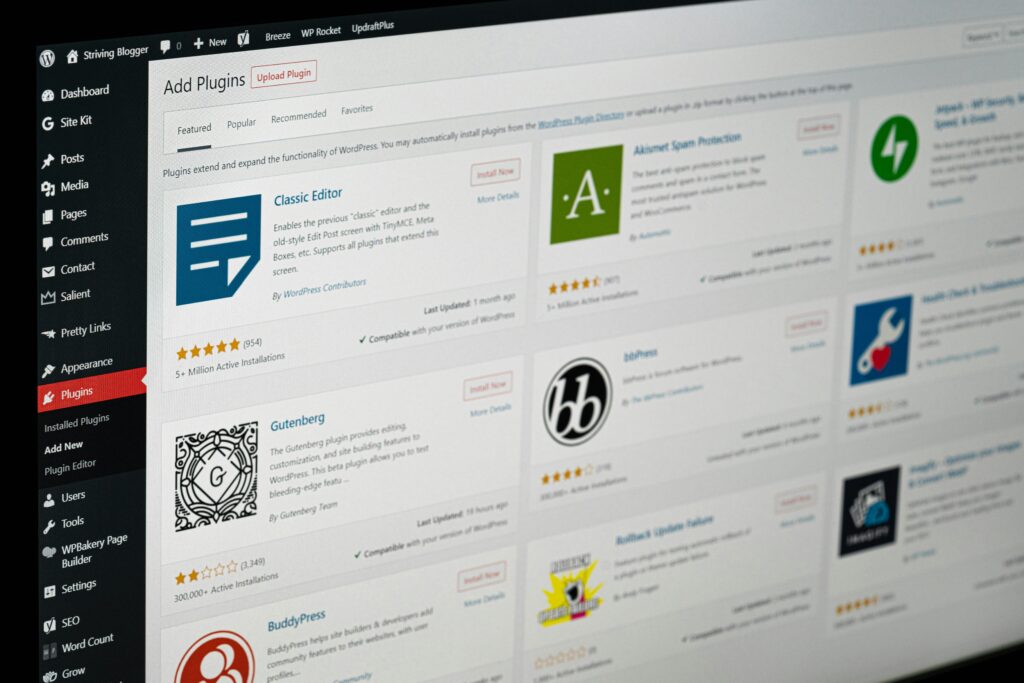
An SEO plugin simplifies website optimization.
Recommended plugins:
- Rank Math SEO
- Yoast SEO
These tools help optimize:
- Meta titles
- Meta descriptions
- XML sitemaps
- Schema markup
- Keyword optimization
Step 2: Perform Keyword Research
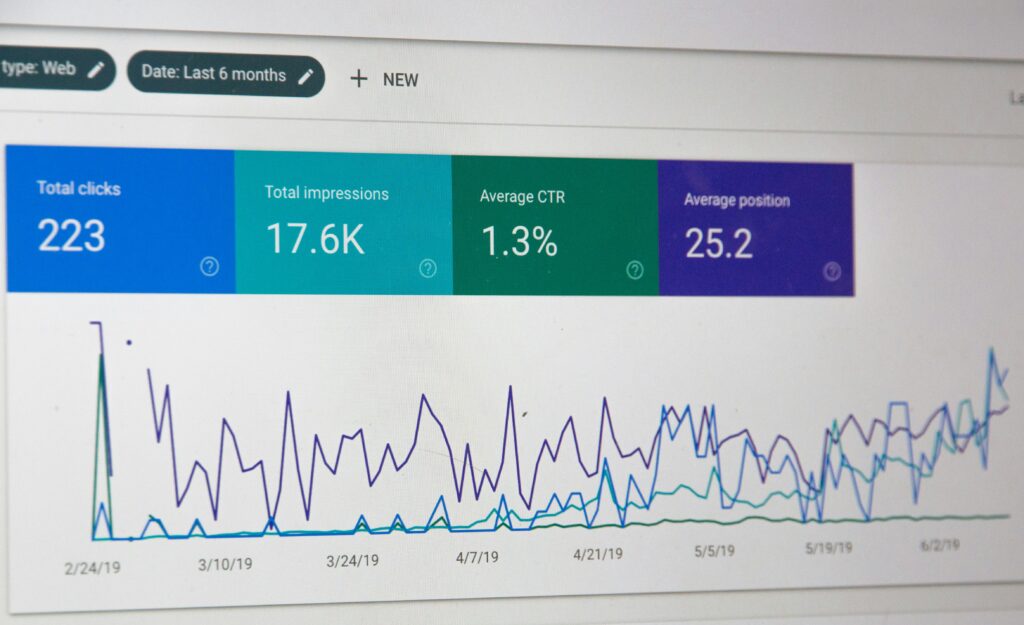
Choose keywords your audience is searching for.
Examples:
- Online Store Management
- Men’s Polo Shirts
- 3 Piece Embroidered Suits
- Mobile Accessories
- Electronics Online
- Fashion Store
- Online Shopping Pakistan
Use one primary keyword and several related keywords naturally throughout each article.
Step 3: Optimize Every Blog Post

Each article should include:
✓ Keyword in the title
✓ Keyword in the URL
✓ Keyword in the first paragraph
✓ Keyword in headings (H2 and H3)
✓ Meta description
✓ Image ALT text
✓ Internal links
Step 4: Write High-Quality Content

Google rewards useful content.
Focus on:
- Answering users’ questions
- Providing valuable information
- Writing naturally
- Updating articles regularly
Long-form content (1,500–2,500 words) often performs well when it is informative and well organized.
Step 5: Optimize Images

Images improve user experience and SEO.
Best practices:
- Compress images
- Use descriptive filenames
- Add ALT text
- Use modern formats like WebP
- Keep image sizes optimized
Example:
Filename:
online-store-management-dashboard.webp
ALT Text:
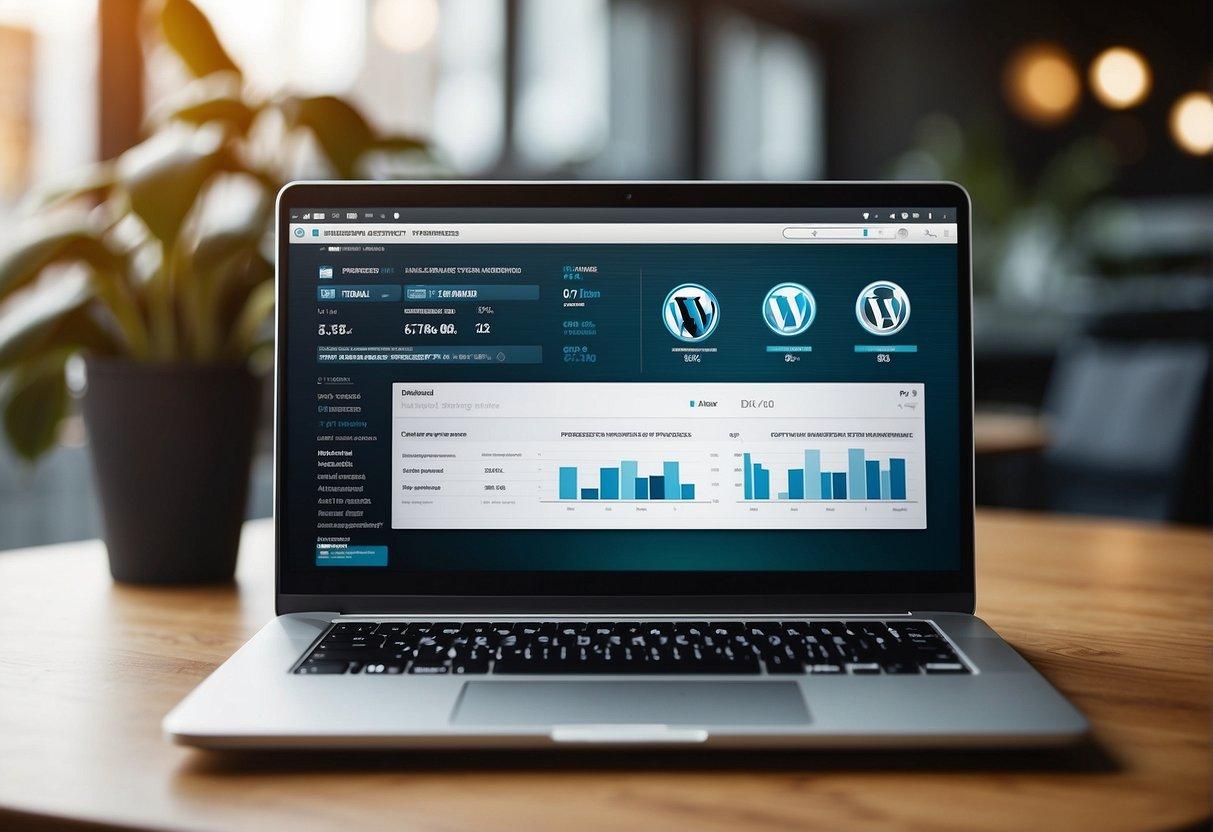
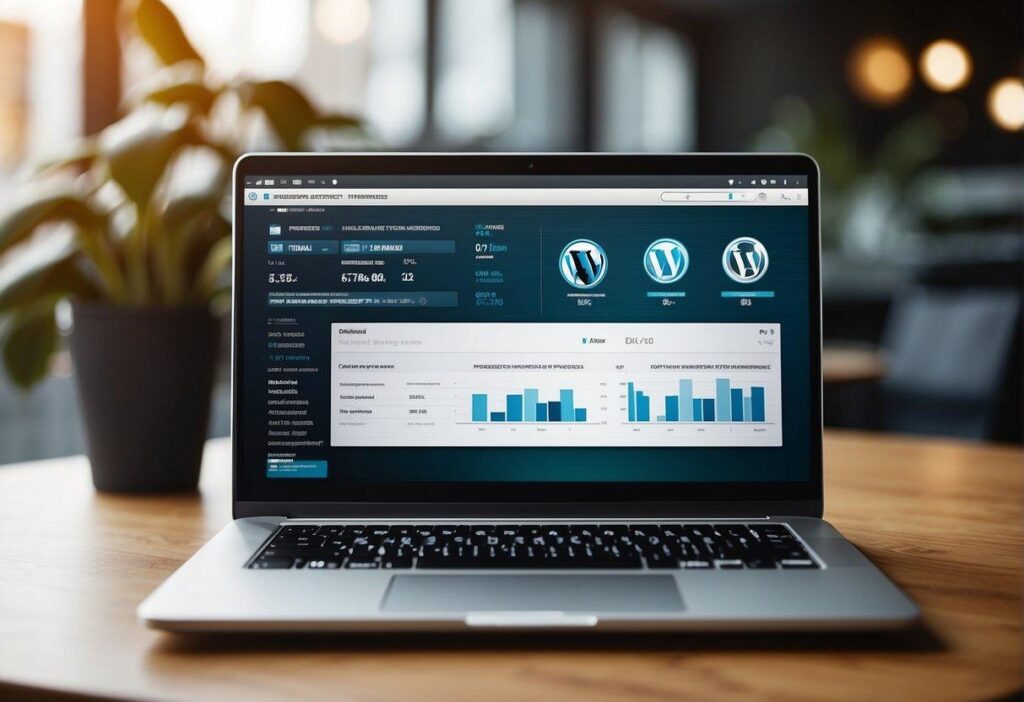
WordPress SEO dashboard showing website optimization metrics
Step 6: Improve Website Speed
Fast websites rank better.
Improve speed by:;
- Compressing images
- Enabling caching
- Using a lightweight theme
- Minimizing unnecessary plugins
- Choosing reliable hosting
Step 7: Make Your Website Mobile-Friendly

Most visitors browse on smartphones.
Ensure your website has:
- Responsive design
- Fast loading pages
- Readable fonts
- Touch-friendly buttons
- Simple navigation
Step 8: Build Internal Links

Connect related pages.
Example:
- Product pages
- Category pages
- Related blogs
- Contact page
Internal linking helps visitors explore your site and helps search engines understand your content.
Step 9: Track Website Performance
Use tools such as:

- Google Search Console
- Google Analytics
Monitor:
- Organic traffic
- Keyword rankings
- Page performance
- User behavior
- Click-through rates
Common SEO Mistakes to Avoid
- Keyword stuffing
- Duplicate content
- Slow loading pages
- Missing meta descriptions
- Poor-quality images
- Broken links
- Ignoring mobile optimization

Final Thoughts

SEO is a long-term investment that can significantly increase your website’s visibility and attract more customers. By consistently publishing valuable content, optimizing your pages, and monitoring your website’s performance, you create a strong foundation for sustainable online growth.
Whether you’re running an online store or a business website, following these WordPress SEO best practices can help improve your Google rankings and provide a better experience for your visitors.
HZ Siddiqeen – Built on Trust, Delivered with Care.